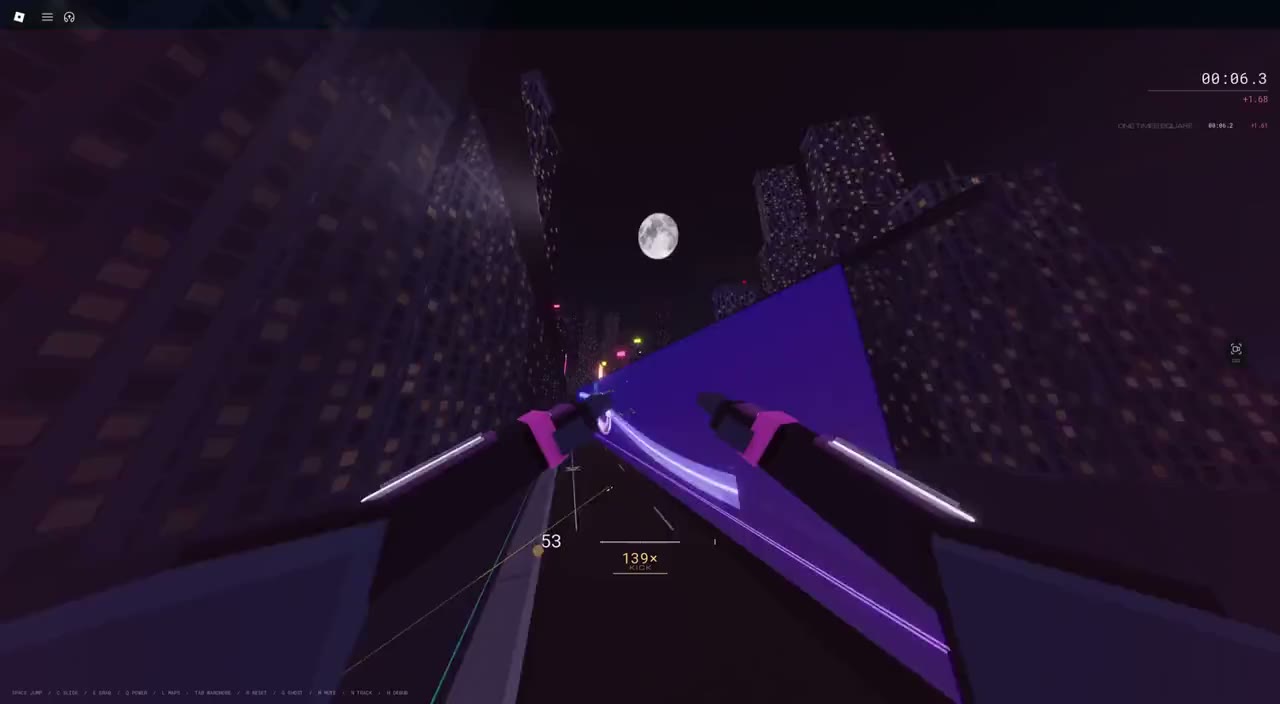
These are the defaults. Keyboard bindings can be changed in the game’s Settings.
Keyboard & mouse
Move / look
W A S D / Mouse
Jump
Space
Slide / release attachment
C or Ctrl
Grab wall, rail or rope
E or Left mouse
Use held race power
Q or Right mouse
Restart attempt
R
Join / leave race queue
Enter
Maps / settings
L / P
Touch
Move
Left circular stick
Look
Swipe on the right side
Jump
JUMP
Slide / release attachment
Hold SLIDE
Grab wall, rail or rope
GRAB
Use held race power
USE
Restart / settings
MENU → RESTART / SETTINGS
Choose a map
MAPS
Keep your movement finger on the stick while using the right-side actions. You can drag from JUMP, SLIDE or GRAB to turn the camera. Releasing the stick stops requesting movement.
Controller
Move / look
Left stick / Right stick
Jump
LB / L1 (also A / Cross)
Slide / release attachment
Left stick click (also B / Circle)
Grab wall, rail or rope
LT / L2
Use held race power
RT / R2 (also RB / R1)
Join / leave race queue
Y / Triangle
Maps
X / Square
Menu / wardrobe / settings
D-pad Up / Left / Right
The bumper jump layout lets your right thumb stay on the camera while you jump.
Read what’s ahead
The city has a language.
Color helps you recognize a route. Shape and the approach still matter: aim for the real surface or line.
White rail
Real night gameplay
Catch the rail ahead.
Line up with the white rail, then use GRAB to catch and grind. Look toward your next transfer as you ride.
Connect different techniques: jump into a wall run, transfer onto a rail, then catch a rope. A technique chain builds Tempo and helps your movement gather speed.
Repeating the same technique immediately doesn’t add another link. Long flat stretches or waiting too long between techniques end the chain.
Choose the exit.
Grabbing is deliberate. Line up with a wall, rail or rope and use GRAB. Use jump or release to transfer toward the next part of the route.
A missed move is a chance to read the approach again. Use the ground to recover when the course gives you a route back.
Choose your session
A lap. A medal. A race.
Maps
The ordinary NYC progression has 25 maps. Each attempt is three laps on one clock. Bronze opens the next map; higher medals give you a reason to return.
Start with THE FIRST GHOST tutorial from Maps if you want to practice the controls.
The City
Run three selected maps with three laps each. A single clock measures all nine laps, with a separate City personal best.
Circuit races
Select JOIN RACE. Fields form with 2–6 players, so an empty server may need another runner. Race powers change the race; use the held card with your USE control.
Your Ghost
The YOUR BEST replay shows your own best run. Use it to spot a slower corner or a better transfer. Cosmetics change your look without buying faster movement or stronger powers.
Before you chase the clock.
What should I try on my first run?
Learn the tutorial, then focus on finishing a map. On the next lap, pick one rail or wall transfer to improve. Build a route you can repeat before looking for a faster one.
Why isn’t a race starting?
Joining the server does not join the race queue. Choose JOIN RACE and wait for at least one other queued player. Keep running solo while the field forms.
Where should I report a problem?
Use the feedback checklist. Include the map, your device and what happened just before the issue.